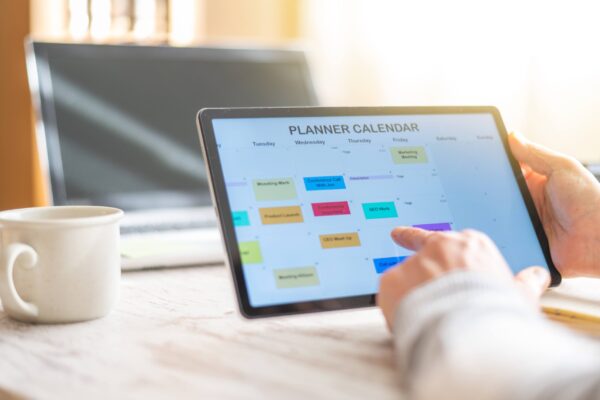
Running a successful blog requires managing a huge amount of information. As a project gradually develops, bloggers face a multitude of tasks: from finding fresh topics to tracking analytics and checking off checklists before each post goes live. Without clear coordination, it’s easy to overlook important details, lose focus, or burn out from the endless routine. A dedicated content planner helps to structure workflows, free up mental space, and focus on high-quality creative work.
Organising your work on texts saves time and significantly improves the quality of the finished piece. Instead of frantic attempts to come up with a topic on the day of publication, you’ll have a ready-made content strategy for weeks ahead.
The main advantages of using a digital planner
Many content creators still stick to the old-fashioned method of using paper notebooks, but in today’s world, the digital format offers undeniable benefits. Portability, customisable settings and the ability to edit quickly make digital planners an indispensable tool.
- Constant accessibility. Interesting thoughts, topics for articles or catchy headlines often spring to mind at the most unexpected moments. Carrying a heavy paper diary around is inconvenient, whereas a smartphone is always to hand. Using cloud services allows you to instantly record an idea in a single database.
- Simplicity and speed of editing. In a spreadsheet or document, you can move a publication date, swap topics around, or add to an existing plan with a single click. This eliminates the need to cross out pages and rewrite task lists from scratch.
- Maximum system flexibility. Every project is unique, so ready-made printed planners often prove ineffective. In the digital space, you can always add a new tab, a notes column or a promotion checklist yourself.
Centralised information storage helps minimise the number of plugins used on the website itself. For example, maintaining an editorial calendar in the cloud allows you to do away with unnecessary extensions in the web resource control panel.
What sections make up an effective planning tool
To ensure full control over all processes, a planning tool must include several key elements. A properly structured system allows you to see the overall picture of the project’s progress and to work through each individual piece of content in detail.
Before you start creating the structure, it is important to determine which metrics and tasks require the most attention at your current stage of work.
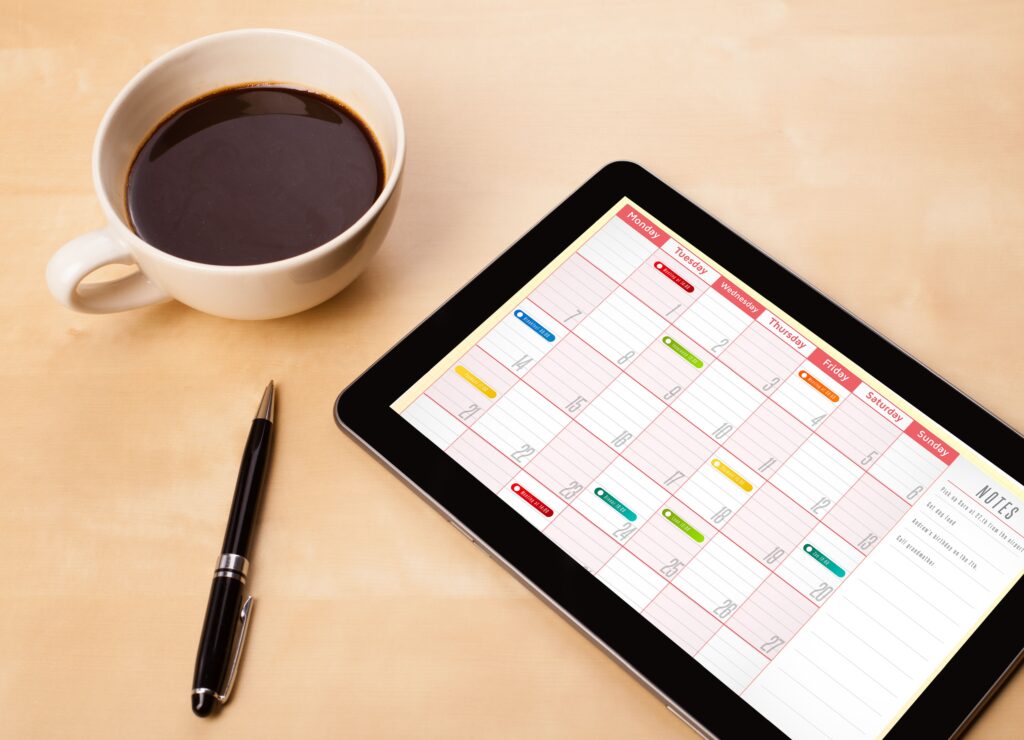
- Editorial calendar (monthly or quarterly). This is the main framework for all your activities, where you record article publication dates, working titles of pieces and their current status (in progress, under review, published).
- Content ideas database. A separate space where you record all rough ideas, interesting subtopics, readers’ questions or outlines for future long-form articles.
- Article preparation checklist. A list of mandatory steps to be completed before clicking the ‘Publish’ button: spell-checking, formatting headings, adding illustrations, and writing meta tags.
- A comprehensive index of published content. A handy archive with links to all published articles, indicating their main categories and tags, which makes it much easier to conduct regular content audits.
When all these elements are brought together, the workflow becomes transparent and predictable. You know exactly which task is a priority on any given day and avoid the stress of looming deadlines.
How to organise your work using free tools
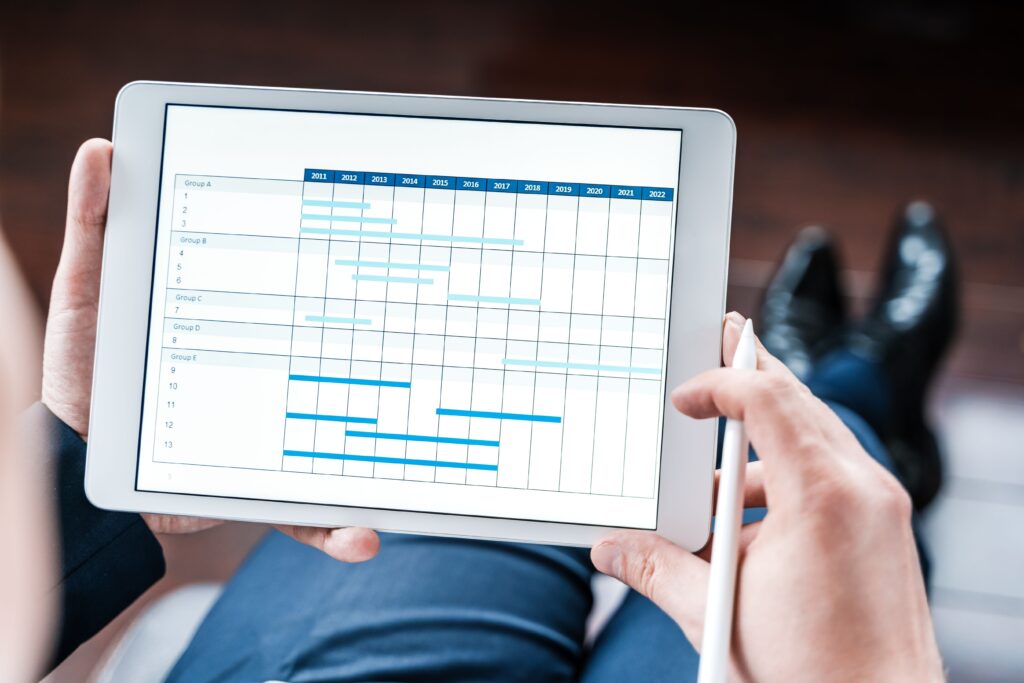
Publicly available and completely free services are excellent for handling basic tasks, and they’re easy to customise to suit your individual needs. The Google Drive ecosystem, which includes text documents and spreadsheets, is ideal for comprehensive planning.
- Google Sheets. The best choice for creating an interactive editorial calendar and trackers. Here, you can split the file into several tabs: place the calendar grid on the first, a list of ideas on the second, and an archive of links on the third. Using colour coding for different article statuses will make the planner as visually intuitive as possible.
- Google Docs. Ideal for taking detailed notes and recording key points from training webinars, courses or online lectures. It’s also a handy place to store email templates for communicating with other authors or drafts of future major publications.
The main advantage of using these services is cross-device synchronisation.
A system that works
A blog planner is all about convenience and clarity. It helps you gather ideas, organise tasks and see the bigger picture. This makes the content creation process less chaotic. Over time, planning becomes part of your daily routine. It is at this point that your blog begins to grow more confidently and consistently.
Comments are closed